
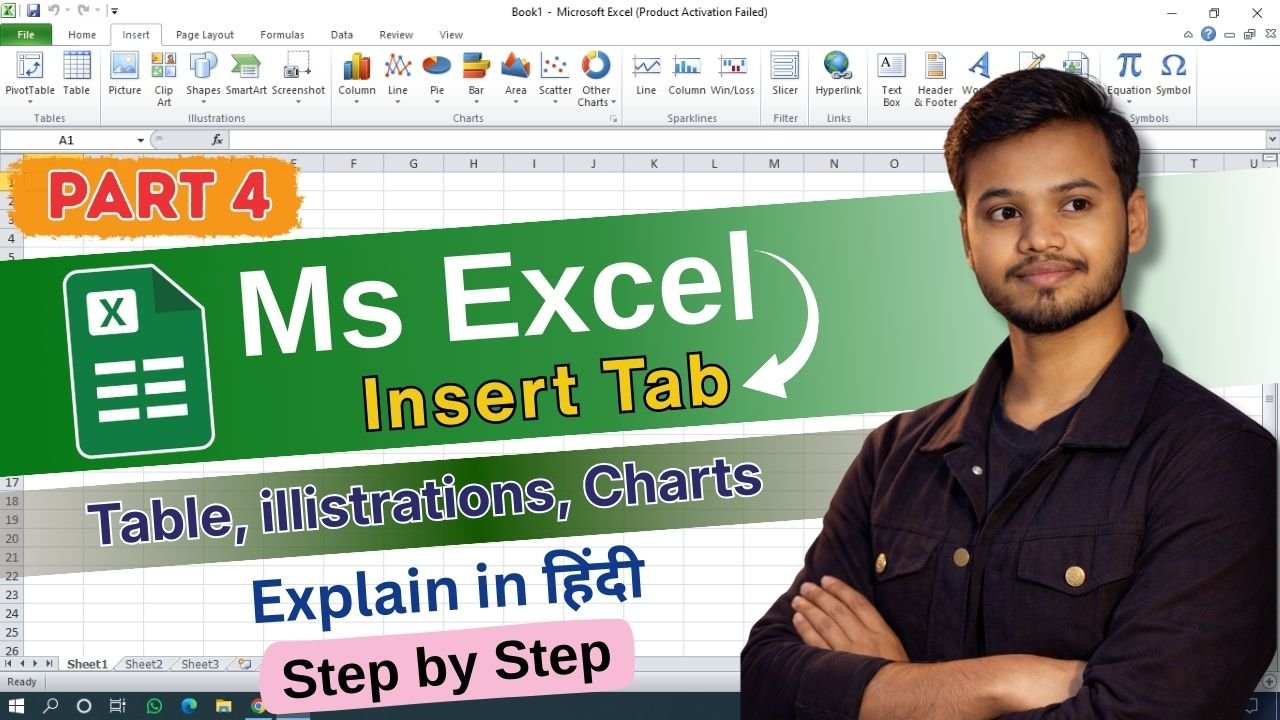
MS Excel में Insert Tab का use worksheet में नई चीज़े add करने के लिए किया जाता है। Insert Tab की help से हम table, chart, picture, shape, text box, symbol जैसी चीज़े Excel sheet में add कर सकते है। जब भी Excel में data को visually attractive और easy to understand बनाना होता है, तब Insert Tab बहुत important role निभाता है।
Tables Group (Table और PivotTable)
Insert Tab का पहला group Tables होता है।
Table option से simple data को table format में convert किया जाता है जिससे data clean और readable बनता है। Table बनाने के बाद filtering और sorting easy हो जाती है।
PivotTable का use large data को summarize करने के लिए किया जाता है। इससे हम report बना सकते है जैसे total, count, average आदि को अलग-अलग तरीके से देख सकते है।
Illustrations Group (Image और graphic items)
Illustrations group में Picture, Shapes, Icons और SmartArt जैसे tools मिले है।
Picture option से computer या laptop से image insert कर सकते है। Shapes का use arrow, rectangle, circle जैसी shape बनाने के लिए होता है। Icons पहले से बने हुए symbols होते है जो presentation को attractive बनाते है। SmartArt से flowchart और process diagram बनाना easy हो जाता है।
Charts Group (Graph और Chart)
Charts group Excel का बहुत powerful part है।
यहाँ से Column Chart, Bar Chart, Line Chart, Pie Chart जैसे chart insert किए जाते है। Charts का use data को graphical form में दिखाने के लिए किया जाता है ताकि numbers को समझना easy हो जाए। Business report और student project में charts बहुत useful होते है।
Links Group (Hyperlink)
Links group में Hyperlink option मिलता है।
Hyperlink का use करके किसी cell को website, email address, किसी दूसरी sheet या same file के किसी cell से connect किया जा सकता है। Large workbook में navigation fast करने के लिए hyperlink बहुत helpful होता है।
Text Group (Text related tools)
Text group में Text Box, Header & Footer, WordArt और Object जैसे tools मिले है।
Text Box से worksheet में अलग से text लिख सकते है। Header & Footer का use page के top और bottom में heading या page number add करने के लिए होता है। WordArt से text को stylish look दिया जाता है। Object option से Word या दूसरे file का content Excel में insert किया जा सकता है।
Symbols Group (Equation और Symbol)
Insert Tab का last group Symbols होता है।
Symbol option से special signs जैसे %, ₹, ©, mathematical sign insert कर सकते है। Equation option का use math formula लिखने के लिए होता है। Engineering और accounting work में यह option बहुत helpful होता है।